CloudPilot
Linux proxies and IP management
Install SOCKS5, Shadowsocks, VMess or VLESS proxies when creating a Linux instance. Then copy connection details or scan a QR code to import them into a client that supports the protocol.
Updated October 15, 2026
Choose protocols and connection settings
Choose a supported Linux image, enable proxy installation and select protocols. Enter the required ports, passwords or UUIDs. VMess/VLESS transport, TLS or Reality settings must match your client configuration.
Inspect details and import into your client
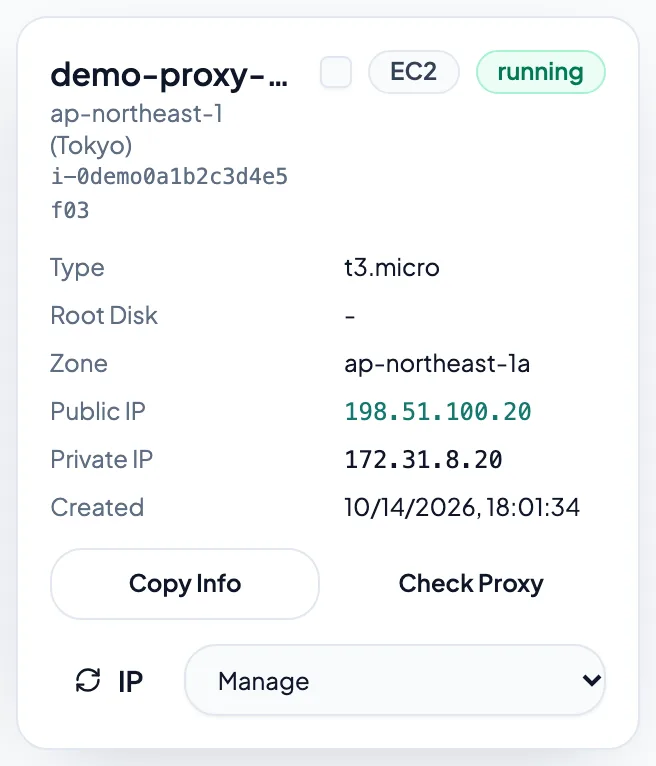
After initialization, copy connection links or show a QR code from proxy details for a compatible client. Use Check proxy to inspect status. If creation succeeded but the check fails, allow installation to finish and verify the ports.
Choose egress and manage IPs
Direct mode uses the instance's network egress. Selecting WARP mode in the form routes proxy traffic through WARP. To adjust an address, use the public IP or WARP rotation actions available in the instance menu. Check egress afterward; WARP rotation may retain the same address.