CloudPilot
Instance management, AMIs and cleanup
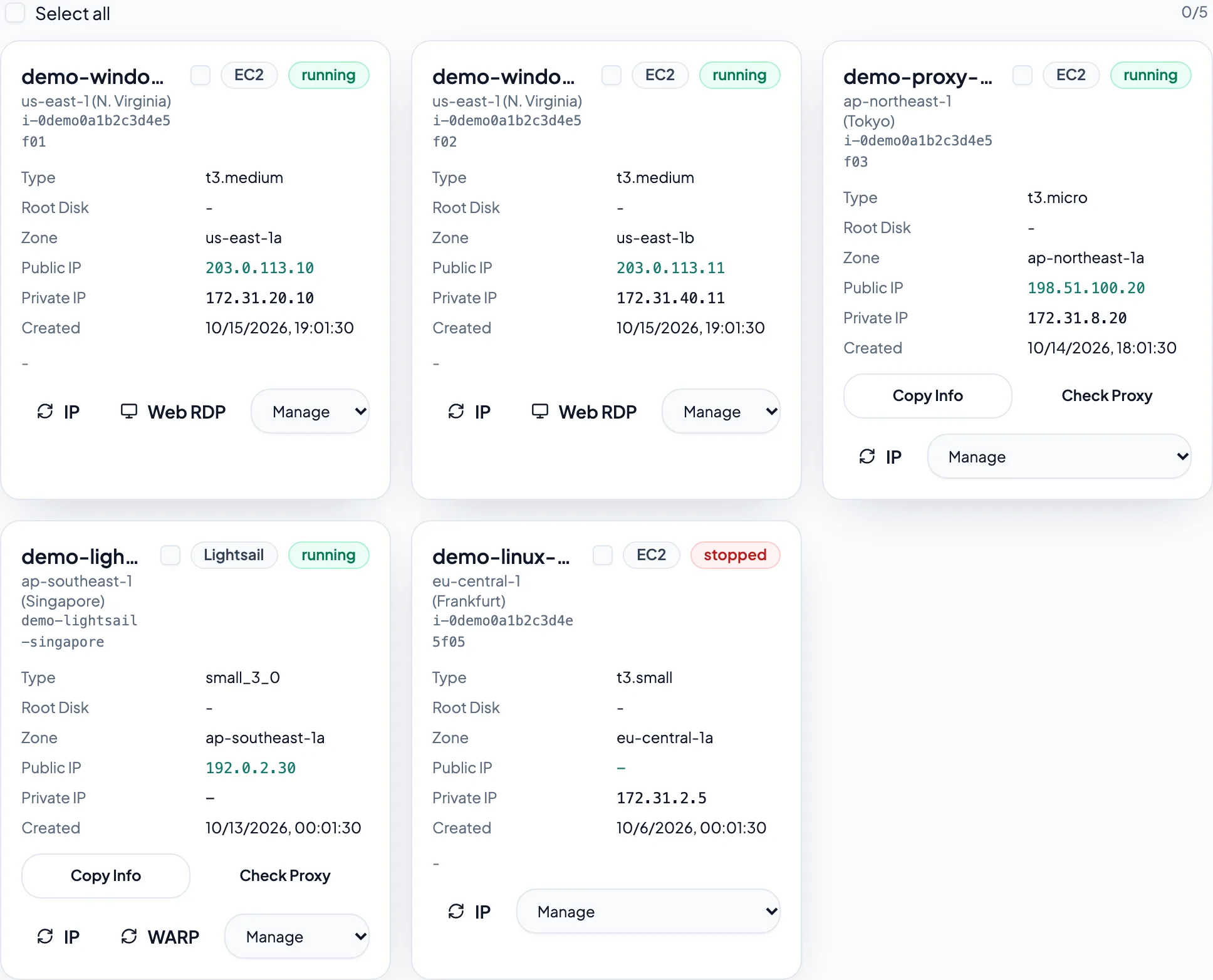
Use the dashboard for everyday operations, AMI management for EC2 images, and resource cleanup for resources you no longer need. Available actions depend on provider and instance state.
Updated October 15, 2026
Choose an action under Manage
Start, stop or reboot as allowed by instance state. Windows actions include software installation and clipboard repair. EC2 also offers commands, password reset, port management and disk expansion. Inspect remote execution progress and output in SSM command status.
Check connectivity and networking
For Web RDP failures, check running state, assigned addresses, Windows readiness and RDP port rules. Check SSM status when remote commands fail. For Wavelength Windows, also check SSM Agent status, its IAM role, outbound HTTPS and the AWS credential's SSM session permissions. New instances may need time to initialize; retry shortly.
Create an AMI from EC2
In AMI management, choose a region and source instance, enter an image name and description, then submit. Wait until it is available before using it for custom AMI deployment in that region. Review associated snapshot options before deleting an image.
Review each item before cleanup
Inspect resources by region in Resource cleanup. Check names, IDs and dependencies before confirming deletion. Stopping or deleting an instance differs from removing disks, snapshots or addresses. Refresh the list afterward to confirm the result.